Kiosk
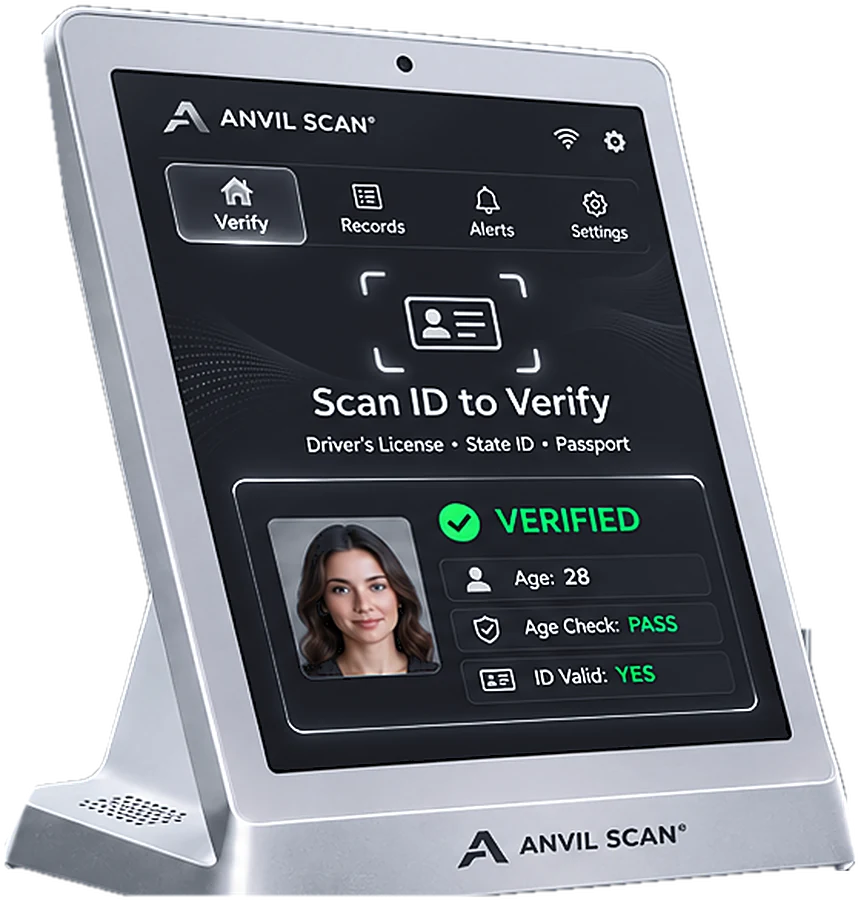
Touchscreen kiosk
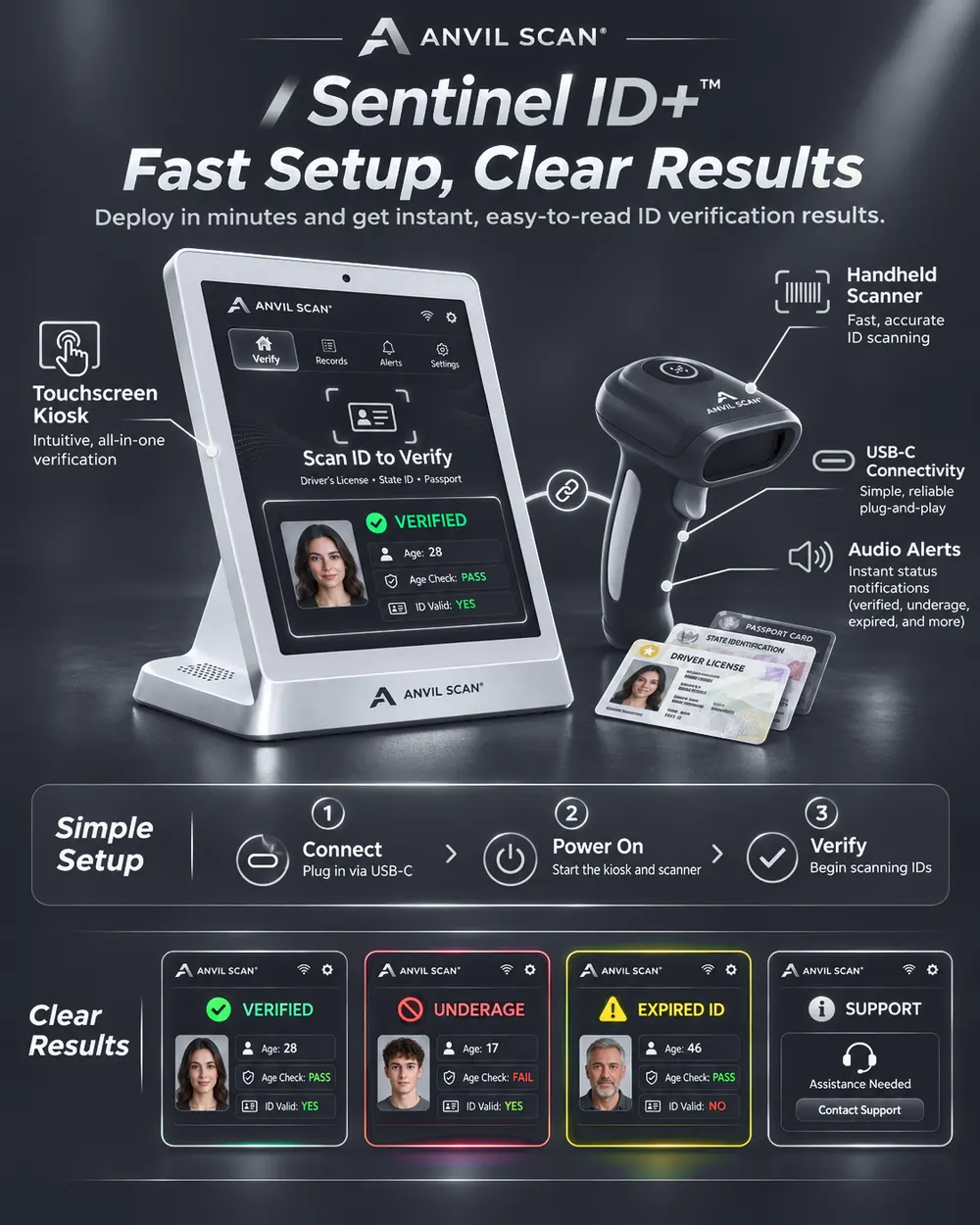
An all-in-one countertop station with a clear touchscreen, built-in speaker and simple Verify, Records, Alerts and Settings tabs.
Sentinel ID+™
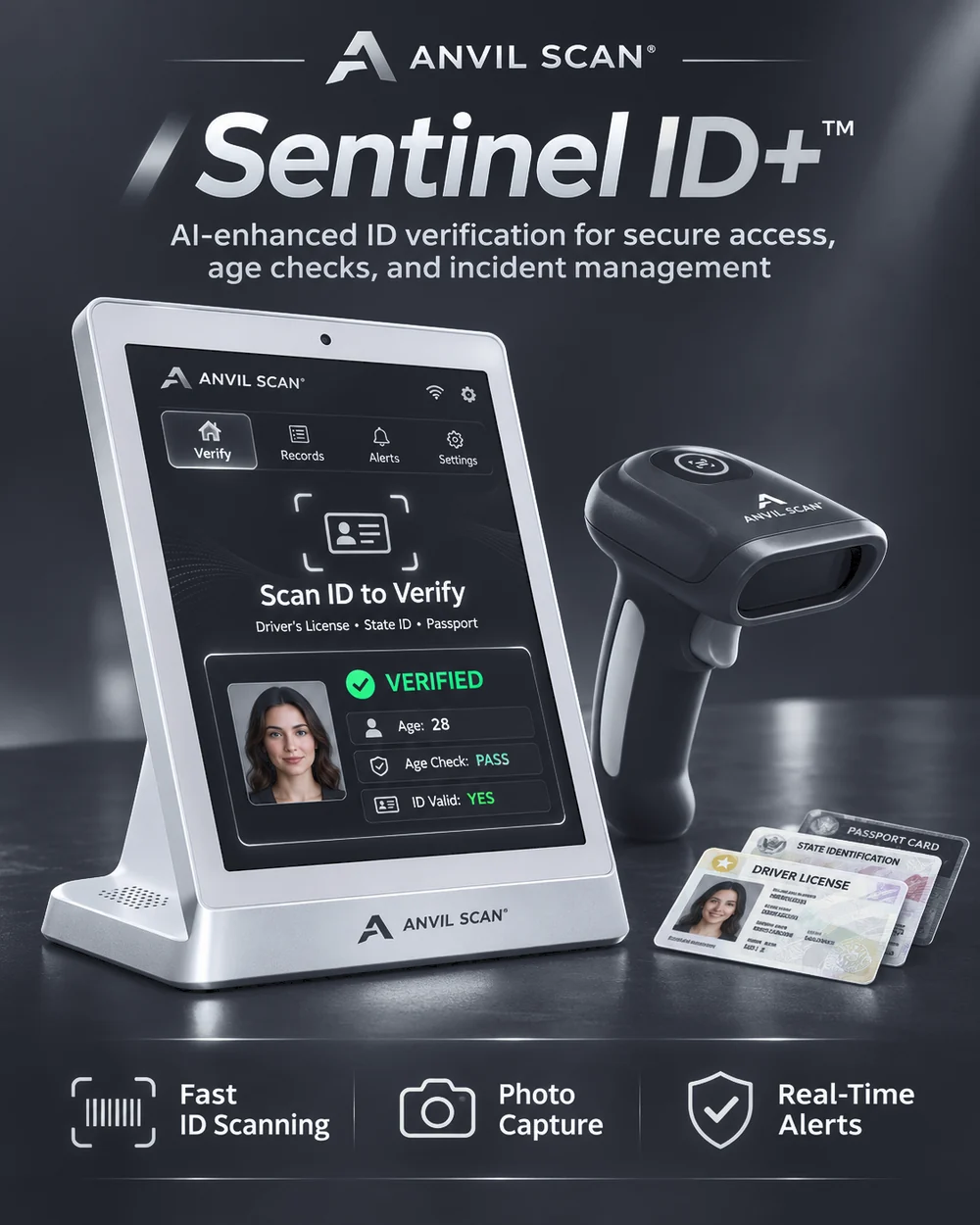
Sentinel ID+ pairs a touchscreen kiosk with a handheld ID scanner. Together they read the ID, check the guest's age and show staff a clear result in seconds.
What's included
Every Sentinel ID+ setup combines dedicated hardware with the Anvil Scan app, so each check follows the same rules.
An all-in-one countertop station with a clear touchscreen, built-in speaker and simple Verify, Records, Alerts and Settings tabs.
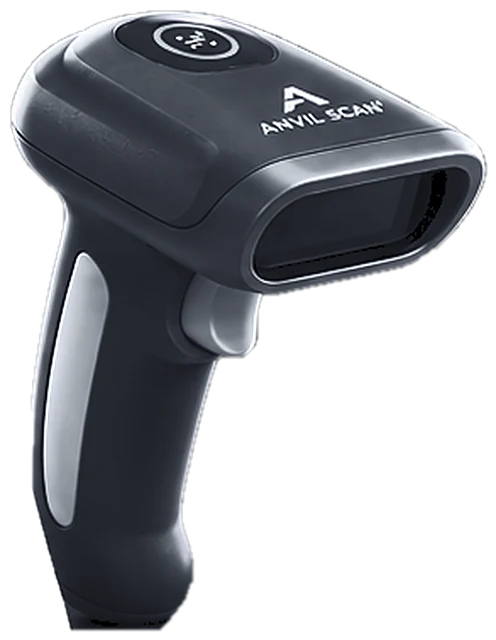
A rugged handheld scanner that reads the PDF417 barcode on an ID in one pass and connects with USB-C.
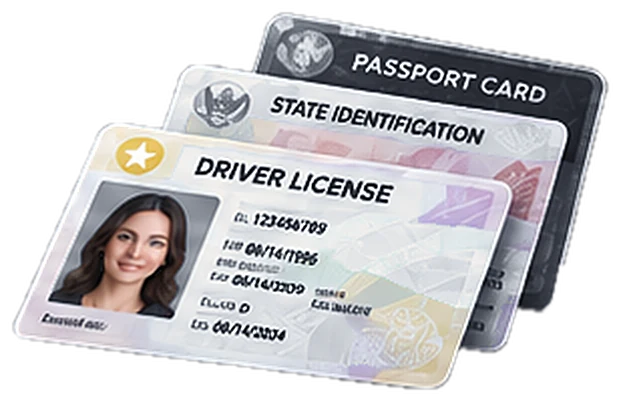
Applies your age rules, keeps records and watchlists, and syncs every door. It runs on iOS, Android and Windows, plus a web dashboard.
How it works
From the first scan to the final decision, the whole check takes only a few seconds.
Present the ID. The scanner reads the barcode and the kiosk captures the card.
The software decodes the data, calculates age, checks the expiry date and compares the data with the printed card.
A green, amber or red result appears on the kiosk. Staff admit, refuse or review, and the outcome is logged.
Features
Sentinel ID+ turns every scan into a clear decision and a record you can stand behind.
Set your minimum age once, such as 18, 19 or 21.
Flags expired, altered or mismatched IDs for a second look.
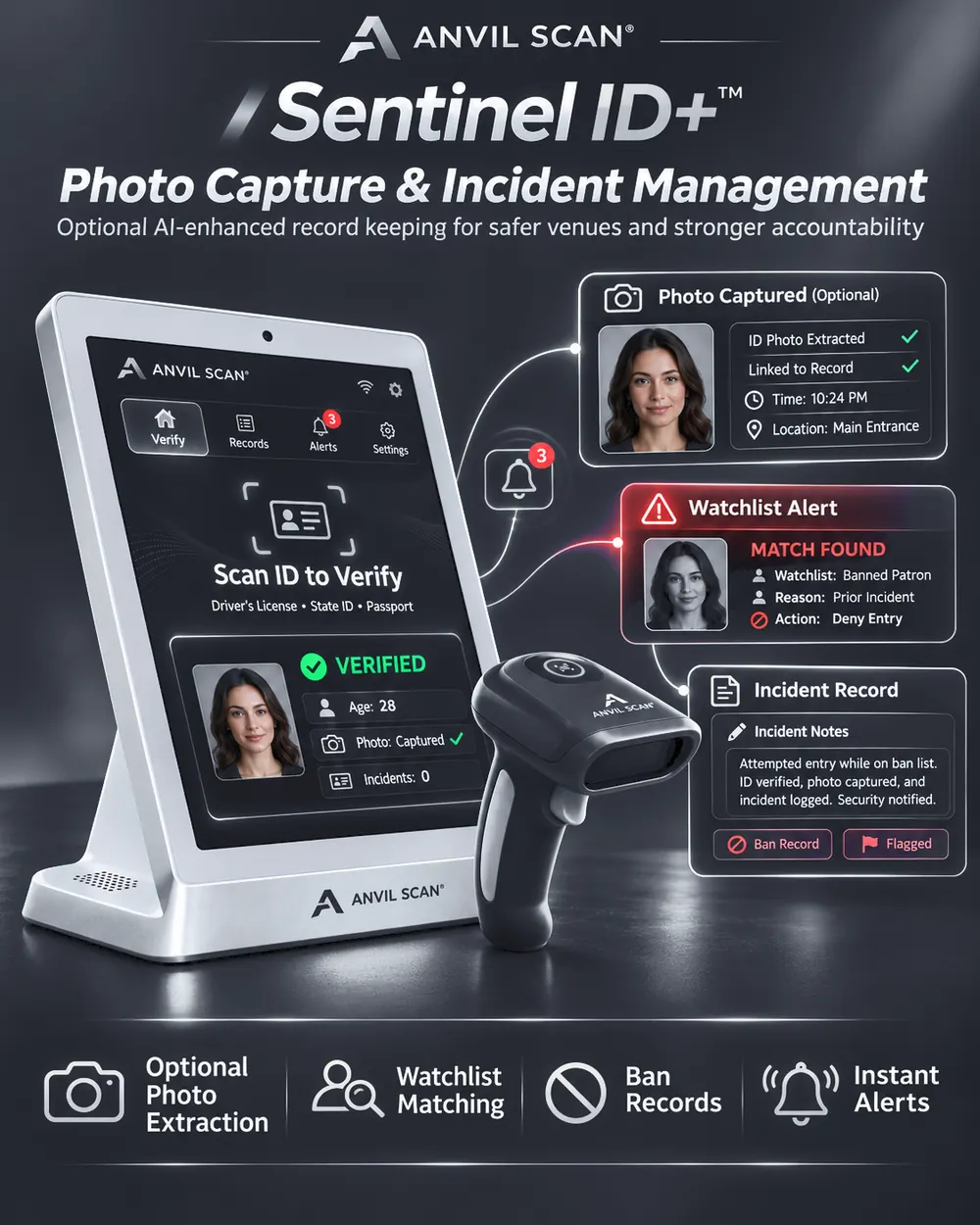
Link the ID photo to the record, or switch it off.
Get an alert when a banned guest's ID is scanned at any door.
Record refusals and incidents with notes and optional photos.
See scans, refusals and busy periods by night, door or location.
Verify IDs without a connection; data syncs later.
Send events to your POS, CRM or security tools with webhooks.
Clear results
Color-coded screens and audio alerts tell staff exactly what to do next.
Guest meets your age rule and the ID checks out.
The ID is real, but the guest is under your minimum age.
The guest is old enough, but the document has expired.
When something looks off, staff can flag it for a manager or contact support.
Incident management
When a banned guest returns or a fake ID turns up, Sentinel ID+ helps your team act fast and document it properly.
Specifications
A closer look at the hardware and software behind every check.
| System | Touchscreen kiosk, handheld ID scanner and Anvil Scan app |
|---|---|
| Image sensor | 5 MP color CMOS |
| Illumination | White, infrared (850 nm) and ultraviolet (365 nm) LEDs |
| Barcode support | PDF417 (AAMVA), QR and Code 128 |
| Supported IDs | US and Canadian driver's licenses and state or provincial ID cards |
| Typical scan time | Under 2 seconds (design target) |
| Connectivity | USB-C, dual-band Wi-Fi (2.4 and 5 GHz), Bluetooth 5 |
| Power | USB-C, 5 V |
| Feedback | On-screen color results, status light and built-in speaker |
| Security | Encrypted on-device storage and TLS-encrypted data transfer |
| Software | Anvil Scan app for iOS, Android and Windows, plus a web dashboard |
Specifications may change as the product evolves.
Privacy and security
An ID scanner handles sensitive information. So Sentinel ID+ collects as little as possible and protects what it keeps.
Laws on scanning and storing ID data vary by location. Anvil Scan provides the controls, and you set them to meet the rules that apply to your business. Read our Privacy Policy.
FAQ
Sentinel ID+ combines a touchscreen kiosk, a handheld ID scanner and the Anvil Scan app, which runs on iOS, Android and Windows, plus a web dashboard.
Most venues are scanning within minutes. You connect the kiosk and scanner with USB-C, power them on, set your minimum age and start verifying.
The handheld scanner is designed to work with the Anvil Scan app, so it can run at the door while the kiosk stays at the front desk. Ask us in your demo which setup fits your venue.
Yes. Watchlists, ban records and reports are shared across every door and location you connect.
The kiosk shows an amber Expired ID result with an audio alert, so staff know to refuse or review the ID under your rules.
Data is encrypted on the device and in transit, access is role-based, and you choose what is kept and for how long. Age-check-only mode stores nothing after the result.
Get started
See how Sentinel ID+ helps your team verify age with confidence, one guest at a time.