The challenge
Why remote identity checks are harder
Online, however, you cannot hold the card or see the person. Therefore, fraudsters find remote checks easier to beat.
Stolen ID photos
For example, fraudsters upload pictures of other people’s IDs that they found or bought.
Fake selfies
Also, printed photos, masks and screens try to pass as a real face.
Deepfakes
In addition, AI tools now create convincing fake faces and videos.
Drop-off
On the other hand, a slow or confusing check makes honest customers give up.
How it works
Remote verification in four steps
Digital identity verification copies the in-person check, but on the customer’s phone.
Capture the ID
First, the customer takes a photo of their license, ID card or passport.
Check the document
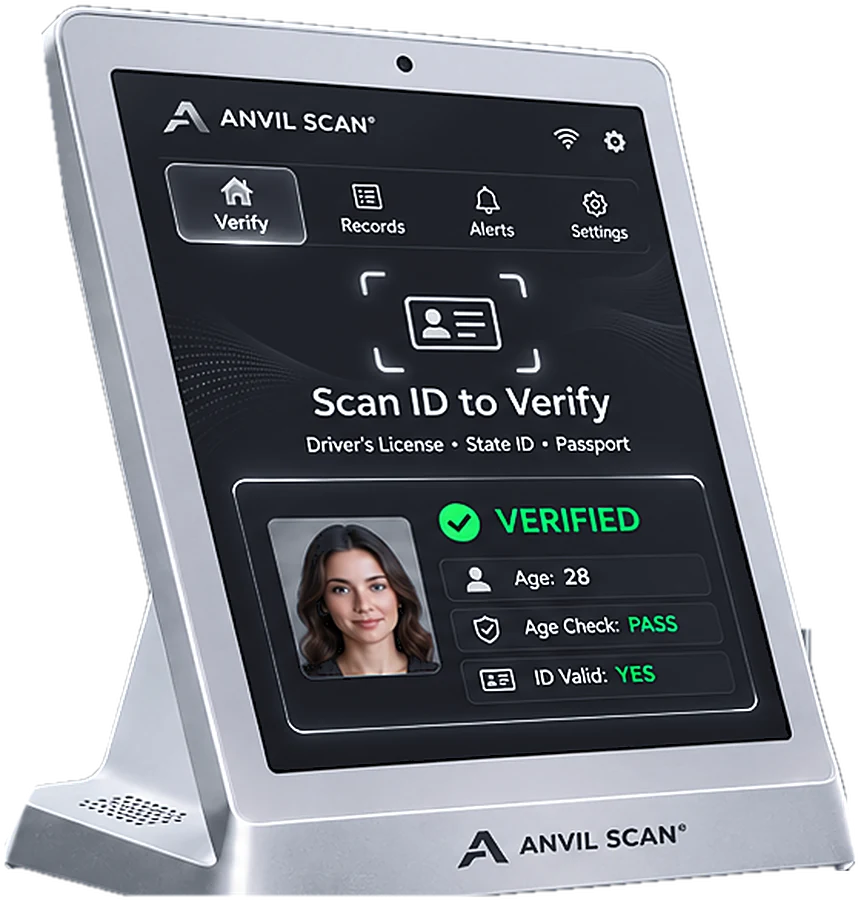
Next, Anvil Scan reads the data and checks the ID for signs of tampering or expiry.
Take a live selfie
Then the customer takes a selfie. A liveness check confirms a real person is present.
Match and decide
Finally, the selfie is matched to the ID photo, and you get a clear result.
Features
Digital identity verification features
ID and passport capture
First, customers photograph their ID with guided capture, so images come out clear.
Document checks
Also, Anvil Scan looks for expired, edited or mismatched documents.
Face matching
In addition, compare the live selfie with the ID photo to confirm the same person.
Liveness detection
Moreover, spot photos of photos, screens and masks before they pass.
Deepfake defense
In addition, detect AI-generated faces and replayed videos.
Web and app ready
Finally, add the flow to your website or app through the API and SDKs.
The payoff
What digital identity verification gives you
First, you can serve customers anywhere. As a result, sign-ups, deliveries and online orders no longer need an in-person check.
Second, you stop more fraud. In particular, combining document checks, liveness and face matching makes stolen IDs far harder to use.
Third, honest customers move fast. Because the flow is short and guided, fewer people drop out. For in-person checks, see ID verification.
Who uses it
Digital identity verification for age-restricted and regulated businesses
FAQ
Digital identity verification questions, answered
What is digital identity verification?
Digital identity verification confirms a person’s identity remotely. Usually, it combines a photo of an ID with a live selfie and a face match.
What is a liveness check?
In short, a liveness check confirms that a real, present person is taking the selfie. As a result, printed photos, screens and masks fail the check.
Can it detect deepfakes?
Yes. In fact, Anvil Scan includes deepfake fraud prevention that helps spot AI-generated faces and replayed videos.
Can I add it to my website or app?
Yes. You can build the flow into your website or iOS and Android apps through the Anvil Scan API and SDKs.
Is selfie data stored?
You decide. For example, you can keep results only, or store images for a period you choose. Rules on collecting and storing ID data vary by state and country. So, set Anvil Scan’s privacy controls to match your local rules. This is general information, not legal advice.
Get started
Verify customers wherever they are
See how Anvil Scan’s digital identity verification stops remote ID fraud without slowing honest customers.