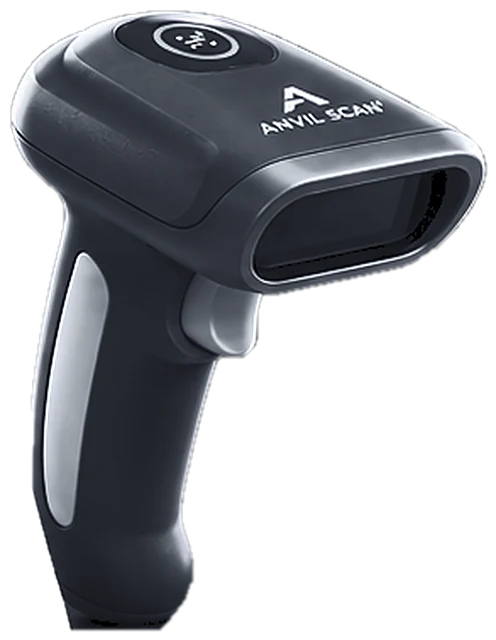
ID scanning and visitor management system for safer front desks
Paper sign-in sheets are slow and easy to fake. In contrast, Anvil Scan’s visitor management system checks in each guest with one ID scan, verifies the ID and keeps a clean record of every visit.
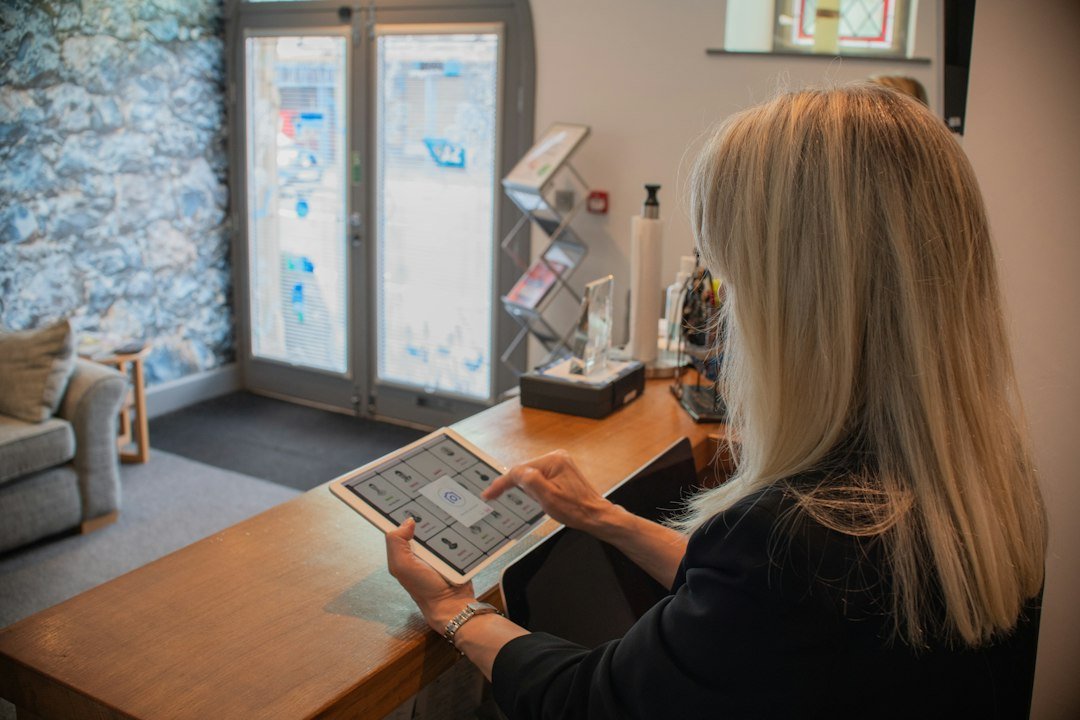
The problem
Why paper sign-in sheets fail
A clipboard tells you a name. However, it cannot tell you whether that name is real.
Unreadable logs
For example, handwriting is hard to read. As a result, records are often useless when you need them.
No ID check
Also, anyone can write any name. So a sign-in sheet offers no real proof of identity.
Slow queues
In addition, manual entry takes time. Meanwhile, the line at reception keeps growing.
Privacy risk
Finally, open sheets show every visitor’s details to the next person in line.
How it works
Visitor check-in in four quick steps
The visitor management system replaces the clipboard with a scan. Therefore, check-in takes seconds, not minutes.
Scan the ID
First, the visitor hands over a driver’s license, ID card or passport. Staff scan it once.
Verify the person
Next, Anvil Scan checks that the ID is valid and not expired. It also checks your watchlist.
Record the visit
Then the system fills in the visitor’s name, time and host automatically.
Check out
Finally, staff check the visitor out, so you always know who is on site.
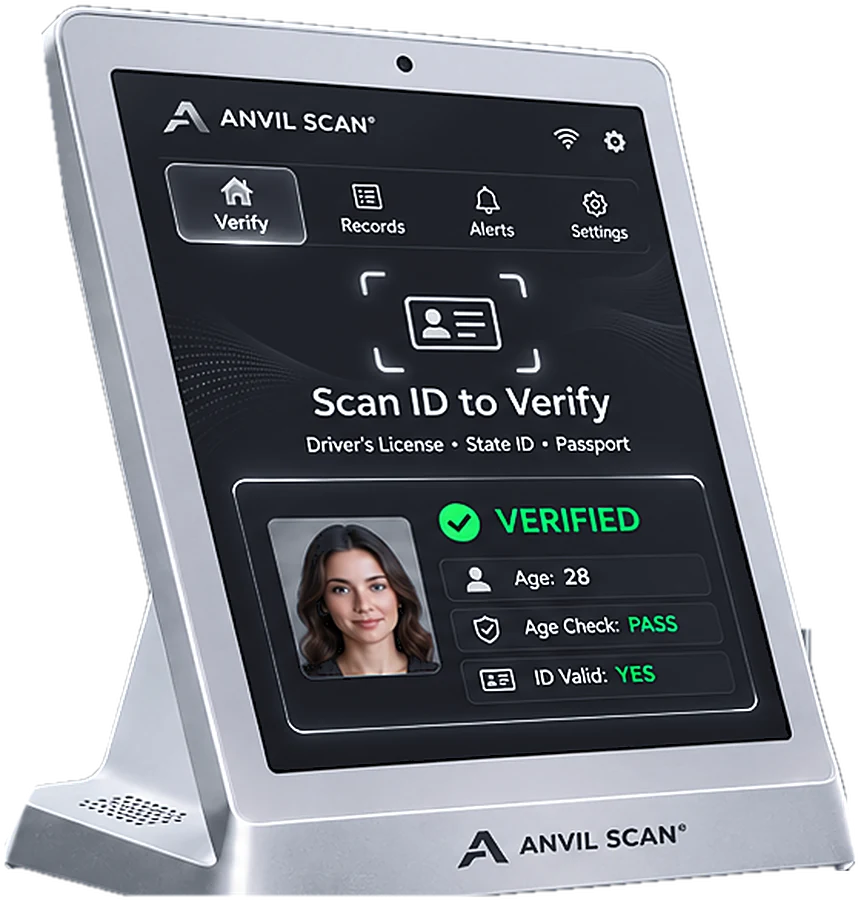
Features
Visitor management features built for busy front desks
One-scan check-in
First, scan an ID and the visit is logged. As a result, nobody types names by hand.
ID validity checks
Also, expired, altered or suspicious IDs are flagged before the visitor walks in.
Watchlists and alerts
In addition, flag banned visitors across every entrance. In addition, managers get real-time alerts.
Live on-site list
Moreover, see who is in the building right now, which helps during an evacuation.
Visit reports
Furthermore, export visit history by day, host or location for audits and reviews.
Privacy controls
Finally, choose what to store and for how long. Also, keep photo capture optional.
The payoff
What a visitor management system gives you
First, it makes your site safer. Every visitor is verified, and banned visitors are flagged at the door.
Second, it saves staff time. Instead of typing details, reception scans once and moves on. Consequently, lines stay short at busy times.
Third, it gives you reliable records. When something happens, you can see exactly who was on site and when. For extra assurance, add ID verification or third-party identity checks.
Who uses it
Visitor management for venues, offices and age-restricted businesses
FAQ
Visitor management questions, answered
What is a visitor management system?
A visitor management system records who enters your site and when. With ID scanning, it also verifies each visitor instead of trusting a handwritten name.
Which IDs can visitors use?
Anvil Scan reads driver’s licenses, state and provincial ID cards and passports. As a result, most visitors can check in with the ID they already carry.
Can I block certain visitors?
Yes. You can add people to a watchlist. Then the system flags them at any connected entrance and alerts your team.
Does visitor management work offline?
Yes. Core scanning and check-in work offline. However, shared watchlists and reports sync once the connection returns.
Is it legal to scan visitor IDs?
Rules on collecting and storing ID data vary by state and country. So, set Anvil Scan’s privacy controls to match your local rules. This is general information, not legal advice.
Get started
Replace the clipboard with a scan
See how Anvil Scan’s visitor management system speeds up check-in and keeps your site safe.