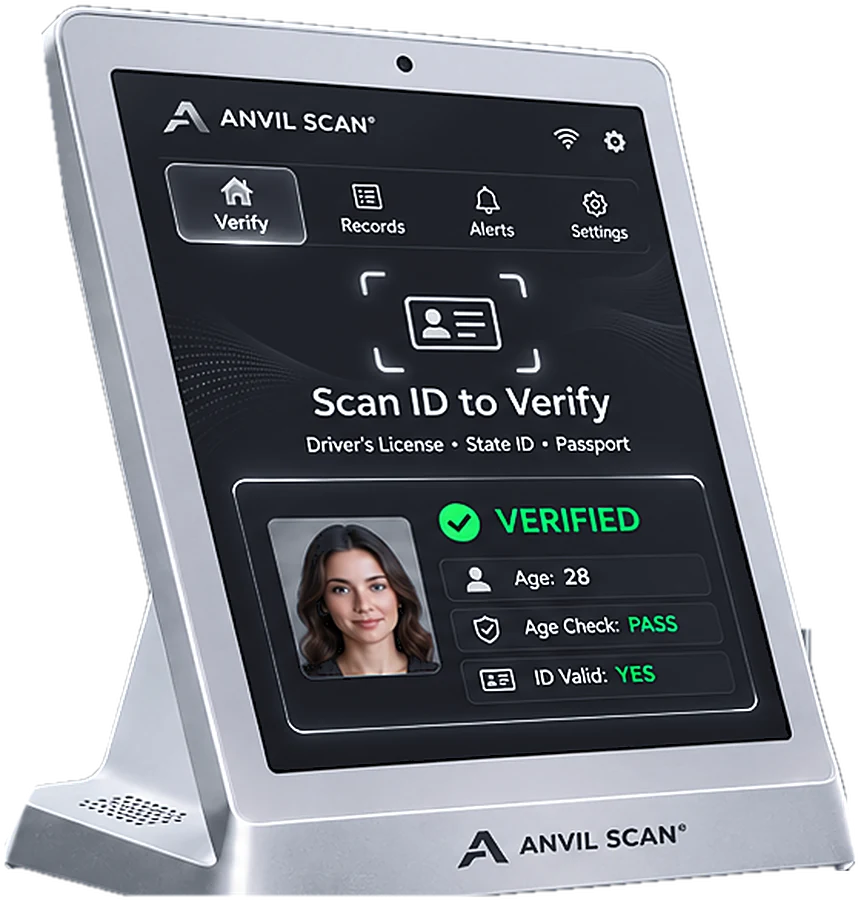
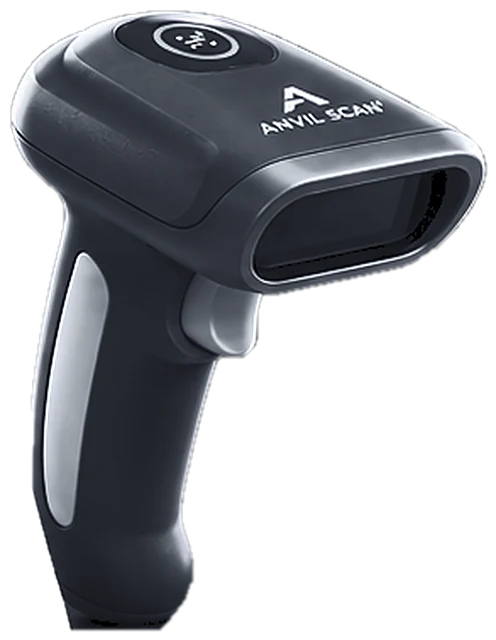
Automatic form fill from a single ID scan
Typing names, addresses and birth dates by hand is slow and full of errors. With automatic form fill, Anvil Scan reads the ID once and drops clean data straight into your forms and systems.

The problem
The hidden cost of manual data entry
Manual entry looks cheap. In reality, it costs time, accuracy and customer patience.
Slow service
For example, each form takes minutes to type. Meanwhile, customers wait at the counter.
Typing errors
Also, a wrong digit in a birth date or ID number causes problems later.
Duplicate work
In addition, Staff often enter the same details into several systems.
Exposed data
Finally, photocopies and paper forms leave personal data lying around.
How it works
From ID to finished form in seconds
Automatic form fill uses the data already stored on the ID. Therefore, staff confirm details instead of typing them.
Scan the ID
First, scan the barcode on a license or ID card, or read a passport.
Parse the data
Next, Anvil Scan turns raw ID data into clean fields, such as name, address and date of birth.
Fill the form
Then the fields drop into your form, app or system automatically.
Review and save
Finally, staff check the details and save. As a result, the record is complete and accurate.
Features
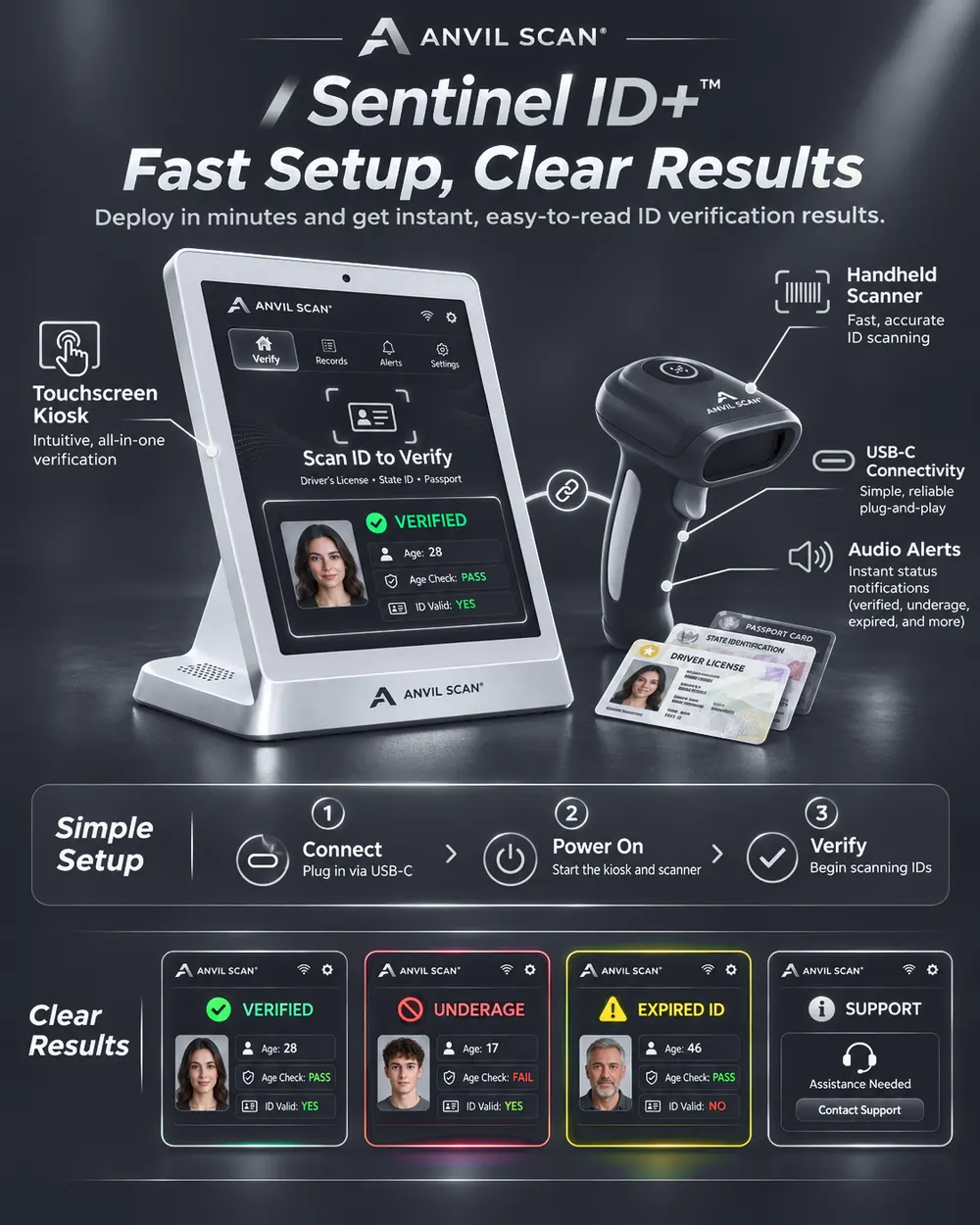
Automatic form fill and data automation features
Instant data capture
First, read name, address, date of birth and ID number in one pass.
Clean, structured fields
Also, data arrives split into the right fields. So there is no copy and paste.
Connects to your systems
In addition, send captured data to your forms and software through the Anvil Scan API.
Built-in validation
Moreover, expired or suspicious IDs are flagged before data is saved.
Fewer errors
Furthermore, because nobody retypes details, typos and missing fields drop sharply.
Store only what you need
Finally, choose which fields to keep. In addition, set how long records stay.
The payoff
What automatic form fill gives your business
First, faster service. Now, a form that took minutes takes seconds, so lines move and customers stay happy.
Second, better data. Because information comes straight from the ID, there are fewer typos and fewer follow-up calls.
Third, less risk. As a result, you no longer need photocopies of IDs. Moreover, you can limit what you store. To see how the data is read, visit our page on ID parsing.
Who uses it
Automatic form fill for every business that collects ID details
Related
Explore the rest of the Anvil Scan platform
FAQ
Automatic form fill questions, answered
What is automatic form fill?
Automatic form fill reads the data on an ID and places it into a form for you. As a result, staff do not have to type names, addresses or birth dates.
Which details can Anvil Scan capture?
Typically, it captures name, address, date of birth, ID number, expiry date and issuing state or country. The exact fields depend on the document.
Can it fill forms in my own software?
Yes. Anvil Scan can pass captured data to your systems through its API and mobile SDKs. In addition, the web dashboard keeps a copy if you choose.
Does it work with passports?
Yes. Anvil Scan reads passports as well as driver’s licenses and ID cards.
How is captured data protected?
You choose which fields to keep and how long to keep them. Rules on collecting and storing ID data vary by state and country. So, set Anvil Scan’s privacy controls to match your local rules. This is general information, not legal advice.
Get started
Stop typing what the ID already knows
See how automatic form fill from Anvil Scan cuts data entry to a single scan.