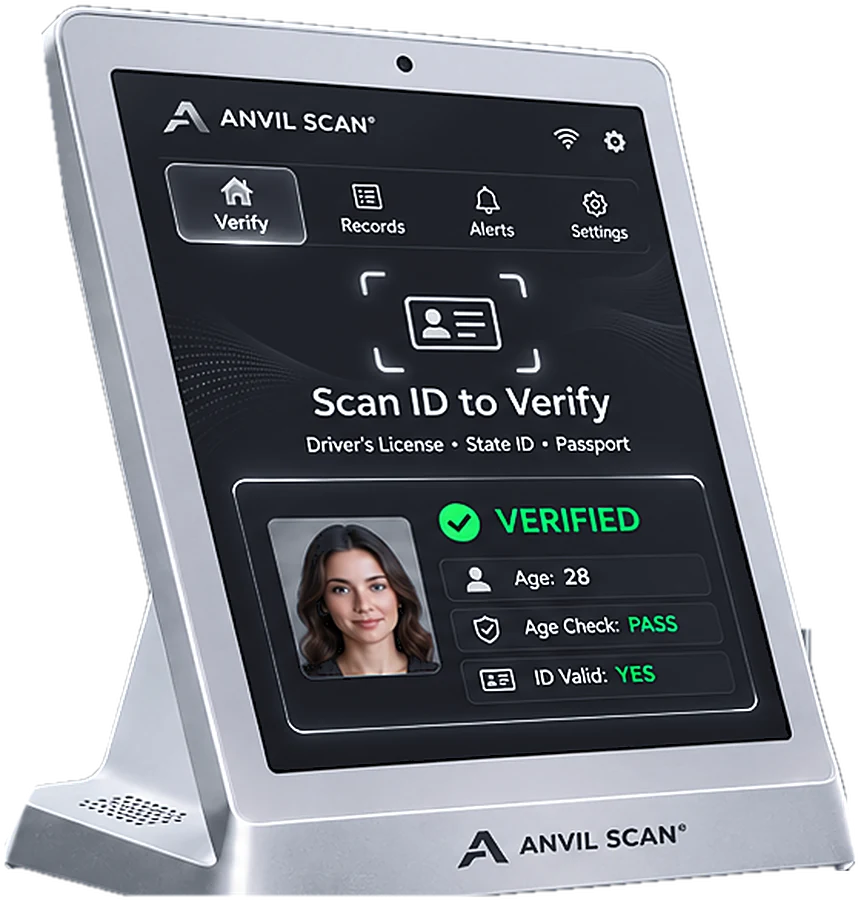
DMV API: check driver’s license data at the source
A good fake can copy every visible detail of a license. However, it cannot change the issuing records. Anvil Scan’s DMV API checks license details against issuing-authority data, where access is available.

The problem
Why a visual check is not always enough
Even a careful scan only reads the data on the card itself. So, some fakes still need a second source.
High-quality fakes
For example, top-tier fakes copy barcodes and holograms closely.
Revoked licenses
Also, a suspended or cancelled card can still look valid.
Identity mix-ups
In addition, fraudsters can print real details on a fake card with someone else’s photo.
High-stakes decisions
For rentals, lending and regulated sales, a mistake costs far more.
How it works
How the DMV API check works
The DMV API adds an outside source to your ID check. Therefore, you rely on more than the card itself.
Scan the license
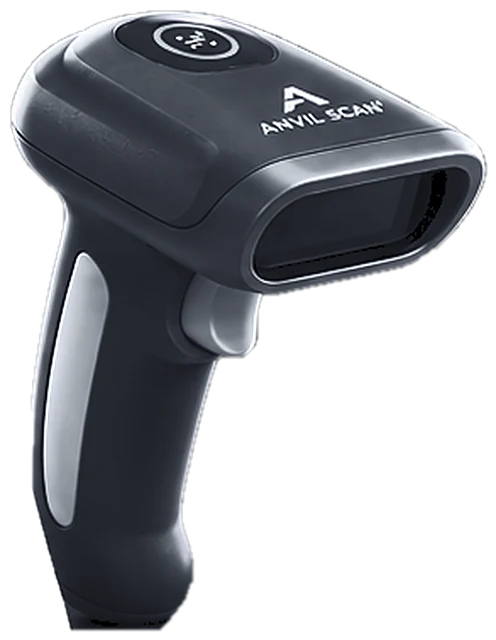
First, Anvil Scan reads the license barcode and printed details.
Send a check
Next, the DMV API sends key details to the matching issuing-authority data source, where permitted.
Compare the answer
Then Anvil Scan compares the response with the card, field by field.
Show the result
Finally, staff see whether the details match, so they can decide with confidence.
Features
DMV API features
Issuing-record checks
First, compare license details with issuing-authority data where access is available.
Field-by-field matching
Also, see exactly which details match, such as name, date of birth and license number.
Status flags
In addition, spot problem licenses that look fine on the surface.
API access
Moreover, call the DMV API from your own software, or use it inside the Anvil Scan app.
Audit trail
Furthermore, every check goes into a log, so you can show what you verified and when.
Minimal data
Finally, Anvil Scan sends only the details the check needs. Results also follow your retention settings.
The payoff
What a DMV API check gives you
First, more certainty on high-stakes decisions. When a sale, rental or account carries real risk, a source check adds confidence.
Second, fewer successful fakes. Even a perfect copy fails when its details do not match the records.
Third, a stronger record. A logged DMV API result shows that you went beyond a visual check. For other outside sources, see third-party identity checks.
Who uses it
DMV API checks for regulated and high-value transactions
FAQ
DMV API questions, answered
What is a DMV API?
A DMV API lets software check driver’s license details against issuing-authority data. In short, it confirms that the details on a card match the records.
Is the DMV API available in every state?
Coverage depends on which issuing authorities share data and on your business’s eligibility. So, contact us to confirm coverage for your locations.
Which details does a DMV API check?
Typically, it compares details such as name, date of birth, license number and expiry. The exact fields depend on the data source.
Can I use the DMV API in my own software?
Yes. You can call it through the Anvil Scan API, or use it inside the Anvil Scan app.
Is a DMV check legal for my business?
Laws regulate access to license data, and access usually requires a permitted purpose. Rules on collecting and storing ID data vary by state and country. So, set Anvil Scan’s privacy controls to match your local rules. This is general information, not legal advice.
Get started
Check licenses beyond the card
See how Anvil Scan’s DMV API adds a source check to your ID verification.