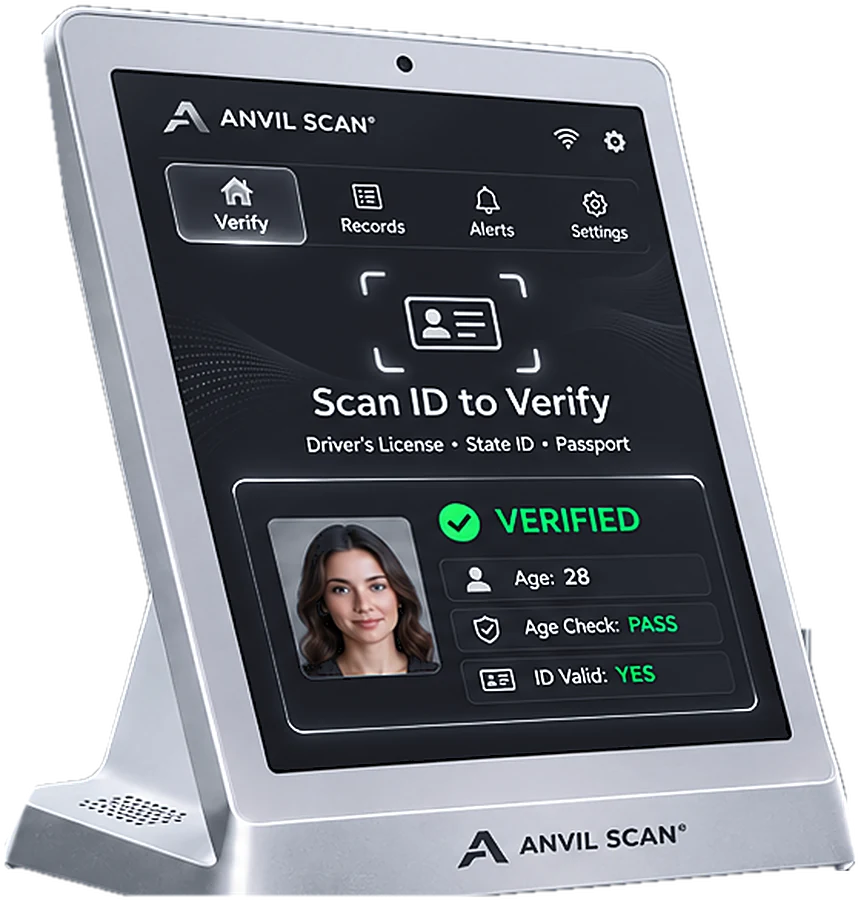
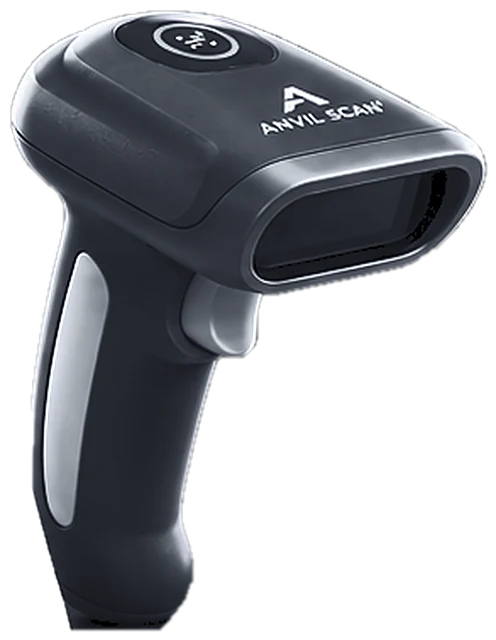
Deepfake fraud prevention for remote identity checks
AI tools can now fake a face, a voice and even a live video. Anvil Scan’s deepfake fraud prevention helps you spot synthetic faces and replayed media before they pass your identity checks.
The threat
How deepfakes attack identity checks
Remote checks rely on a camera. As a result, anything that fools the camera can fool the check.
AI-generated faces
For example, tools create realistic faces of people who do not exist.
Face swaps
Also, live video swaps one person’s face onto another.
Replayed media
In addition, recorded videos or photos are shown to the camera.
Injected feeds
Finally, fraudsters bypass the camera and inject fake video directly.
How it works
How deepfake fraud prevention works
For this reason, Anvil Scan uses several signals together. Therefore, a fake has to beat every check at once.
Capture the selfie
First, the user takes a live selfie during digital identity verification.
Check liveness
Next, Anvil Scan checks for signs of a real, present person.
Look for manipulation
Then it looks for signs of synthetic, swapped or replayed media.
Match to the ID
Finally, the verified face is matched to the ID photo before approval.
Features
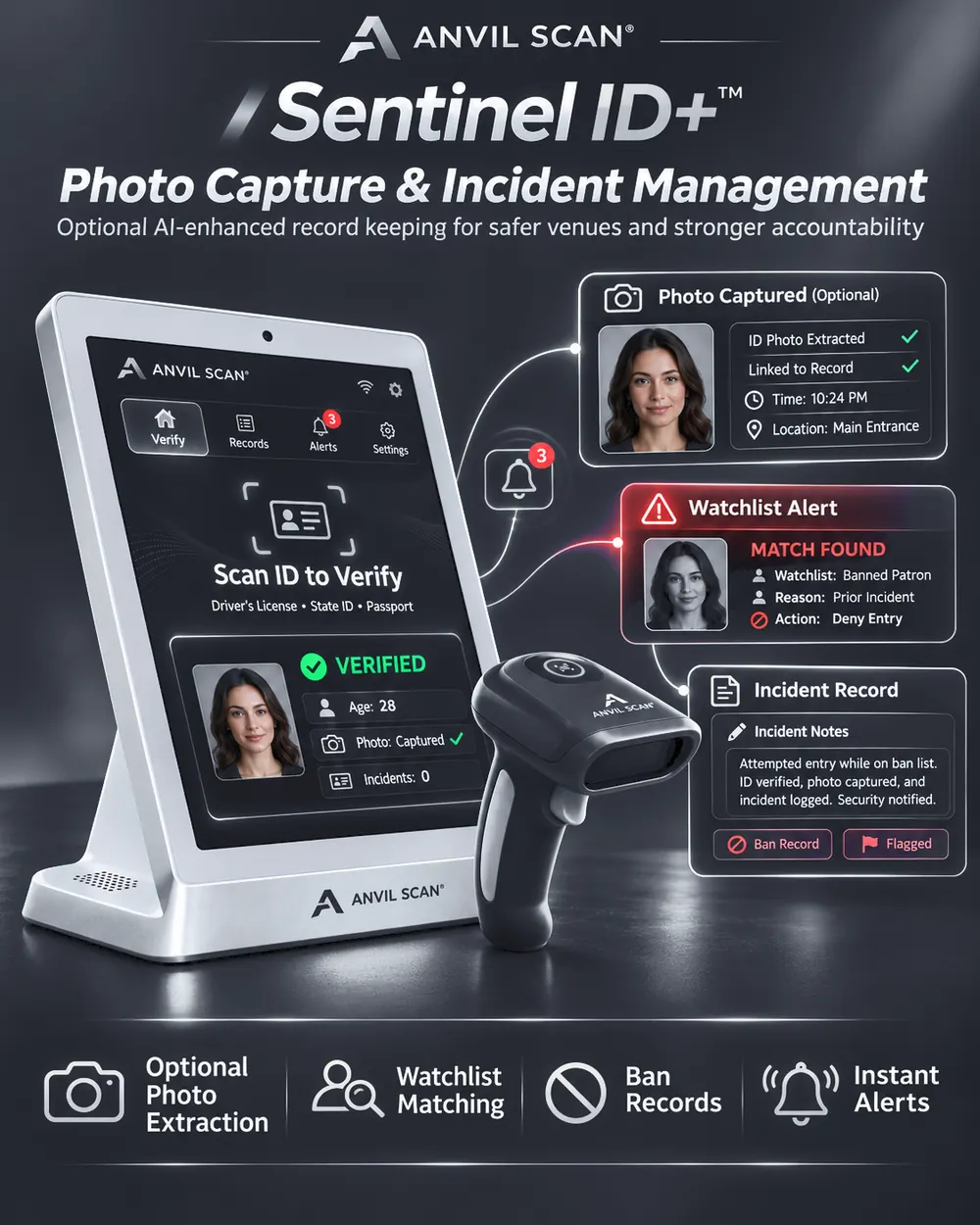
Deepfake fraud prevention features
Liveness detection
First, confirm a real person is in front of the camera, not a photo or screen.
Synthetic face detection
Also, help spot AI-generated and swapped faces.
Replay and injection defense
In addition, look for recorded or injected video instead of a live camera feed.
Face matching
Moreover, match the live face to the ID photo after liveness passes.
Risk flags
Furthermore, send suspicious attempts for manual review instead of auto-approving them.
API and SDK
Finally, add deepfake checks to your web, iOS and Android flows.
The payoff
What deepfake fraud prevention gives you
First, protection against a fast-growing threat. After all, as AI tools improve, fake faces get easier to make.
Second, safer remote onboarding. As a result, you can verify people online without opening the door to synthetic identities.
Third, fewer manual reviews. Instead, clear risk flags send only suspicious cases to your team. For the full remote flow, see digital identity verification.
Who uses it
Deepfake fraud prevention for any business that verifies people online
Related
Explore the rest of the Anvil Scan platform
FAQ
Deepfake fraud prevention questions, answered
What is deepfake fraud?
Deepfake fraud uses AI-generated or manipulated faces and videos to pass identity checks. Usually, it targets remote sign-ups and online verification.
How does Anvil Scan detect deepfakes?
It combines liveness detection, checks for synthetic and replayed media, and face matching to the ID photo. As a result, a fake must beat several checks at once.
Does deepfake fraud prevention matter for in-person checks?
Mostly, deepfakes target remote checks. However, borrowed and fake IDs remain the main in-person risk, which our ID fraud prevention covers.
Can I add deepfake checks to my app?
Yes. Deepfake fraud prevention is available through the Anvil Scan API and the iOS and Android SDKs.
Can any system stop every deepfake?
No system stops every attack. Still, layered checks and manual review of flagged cases greatly reduce the risk.
Get started
Stay ahead of deepfake fraud
See how Anvil Scan’s deepfake fraud prevention protects your remote identity checks.