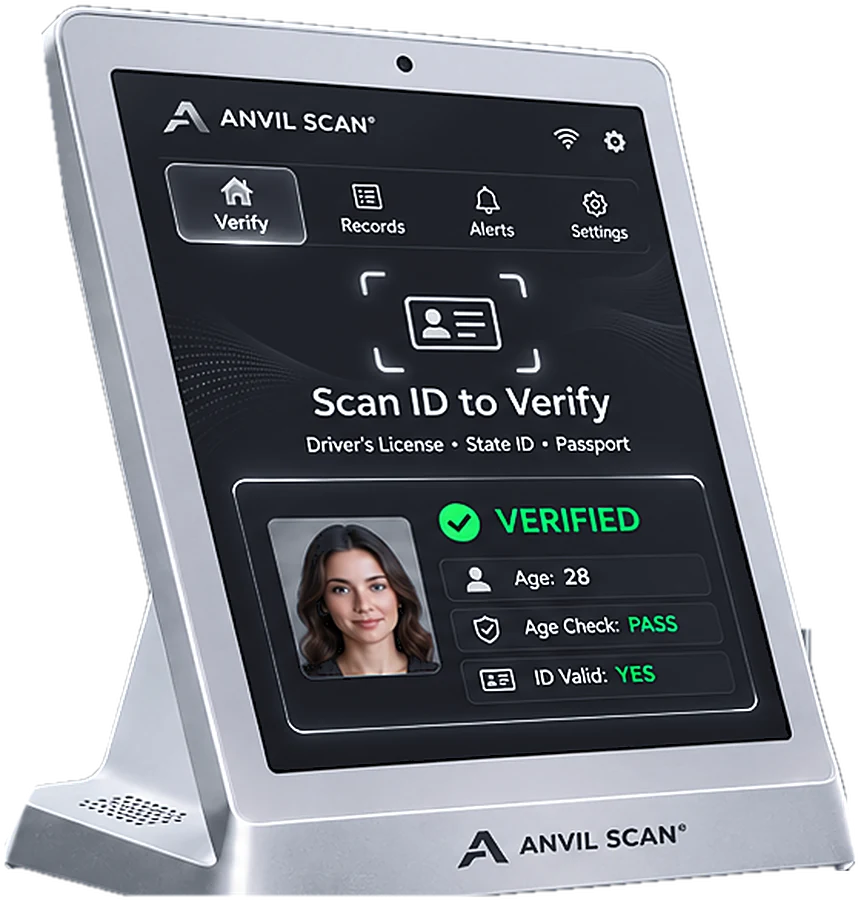
ID parsing that turns raw barcode data into clean fields
The barcode on a license holds a dense string of coded data. Anvil Scan’s ID parsing decodes that string instantly, so your team and your software get clean, labelled fields.

The challenge
Why ID parsing is harder than it looks
Every issuer formats its data a little differently. Therefore, a simple barcode reader is not enough.
Coded strings
For example, raw barcode data is a long, coded string that people cannot read.
Many formats
Also, states, provinces and countries use different versions and layouts.
Missing fields
In addition, older and newer cards store some details in different places.
Frequent updates
Finally, issuers change designs and formats over time.
How it works
How ID parsing works
ID parsing sits between the scanner and your system. As a result, you always get the same clean output.
Read the barcode
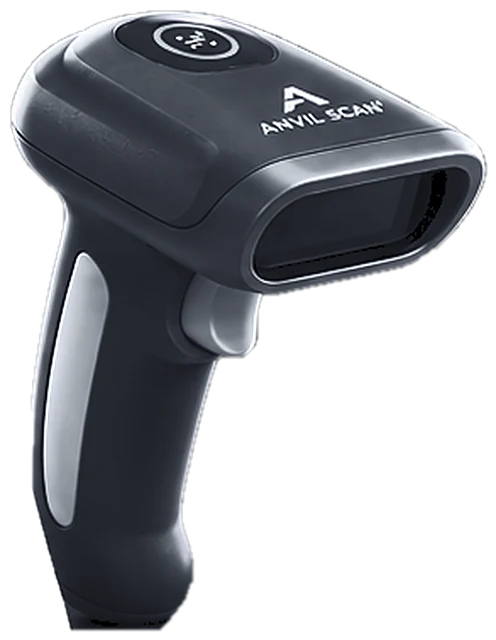
First, the scanner reads the PDF417 barcode on a license or ID, or the machine-readable zone on a passport.
Decode the data
Next, Anvil Scan identifies the issuer and format, then decodes each element.
Normalize the fields
Then dates, names and addresses are cleaned into one consistent format.
Deliver the result
Finally, the parsed fields go to the screen, a form or your software.
Features
ID parsing features
Barcode and MRZ support
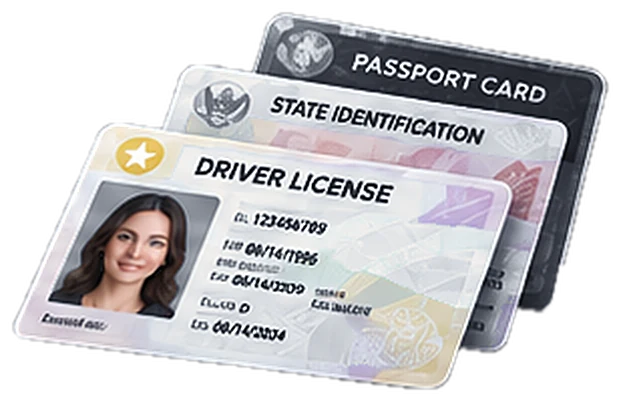
First, parse PDF417 barcodes on licenses and IDs, plus the machine-readable zone on passports.
Clean, labelled fields
Also, get name, address, date of birth, ID number and expiry as separate fields.
Consistent formats
In addition, dates and names follow one format, whichever issuer made the card.
Data checks
Moreover, flag expired IDs and suspicious data while parsing.
Developer friendly
Furthermore, use ID parsing through the API and the iOS and Android SDKs.
Works offline
Finally, parsing runs on the device, so it keeps working without a connection.
The payoff
What accurate ID parsing gives you
First, reliable data. Every field lands in the right place, so your records stay clean.
Second, faster builds. Developers skip the hard work of decoding many ID formats.
Third, a stronger fraud check. Parsed data can be compared with the printed card to catch alterations. To use parsed data in forms, see automatic form fill.
Who uses it
ID parsing for businesses and software teams
Related
Explore the rest of the Anvil Scan platform
FAQ
ID parsing questions, answered
What is ID parsing?
ID parsing decodes the data stored in an ID’s barcode or machine-readable zone. Then it splits the data into clear fields, such as name and date of birth.
Which documents can Anvil Scan parse?
Anvil Scan parses driver’s licenses and ID cards with a PDF417 barcode, as well as passports.
Can I use ID parsing in my own app?
Yes. ID parsing is available through the Anvil Scan API and the iOS and Android SDKs.
Does ID parsing need internet?
No. Parsing runs on the device. However, features such as DMV checks need a connection.
Can ID parsing detect a fake ID?
Parsing helps. For example, Anvil Scan compares parsed data with the printed card and flags mismatches. Still, combine it with ID verification for the best results.
Get started
Get clean ID data from every scan
See how Anvil Scan’s ID parsing turns raw barcode data into fields your team can use.