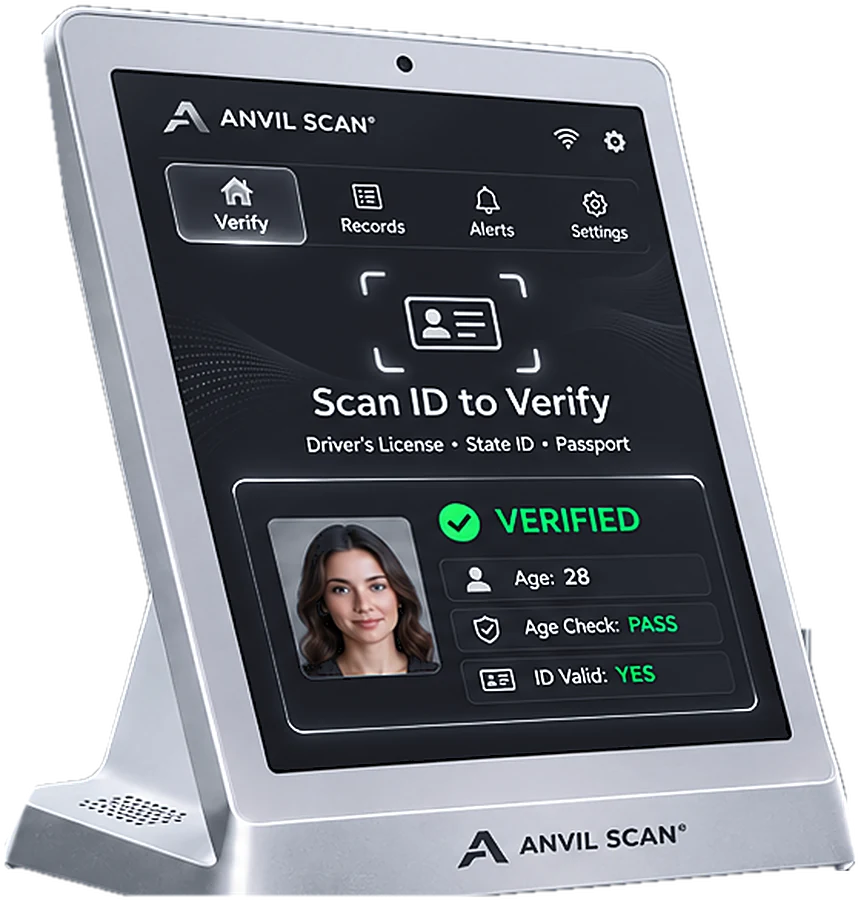
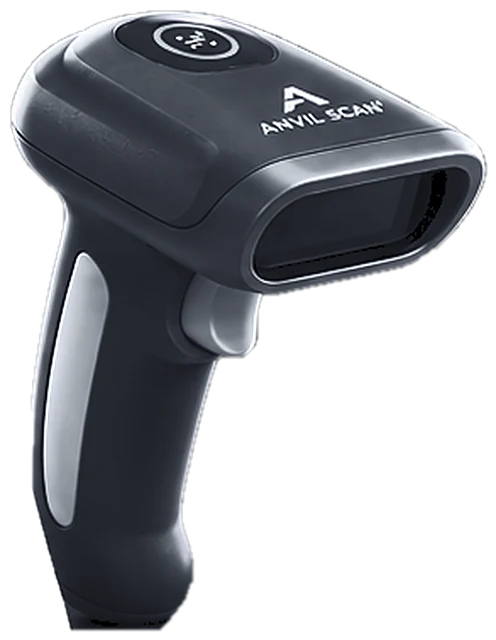
Passport scanning for fast, accurate guest checks
International guests often carry a passport, not a local license. With passport scanning, Anvil Scan reads the passport, checks the details and shows a clear result in seconds.
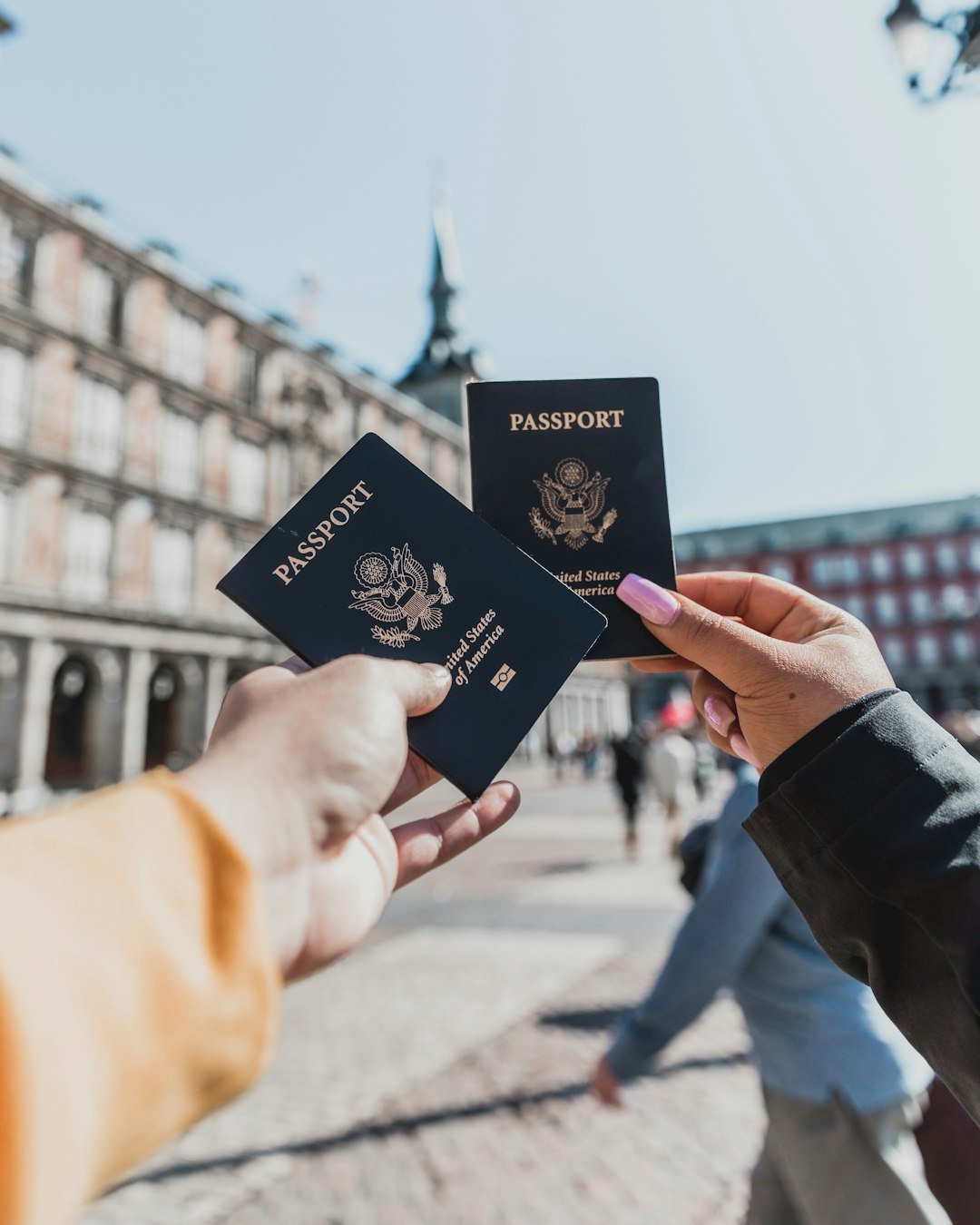
The problem
Why passports slow down manual checks
Every country’s passport looks different. As a result, staff often hesitate or guess.
Unfamiliar designs
For example, Staff rarely know what a real passport from every country looks like.
Slow lookups
Also, reading dates and names by hand takes time.
Turned-away guests
On the other hand, unsure staff may refuse honest visitors.
Typing errors
Finally, copying passport numbers by hand leads to mistakes.
How it works
How passport scanning works
Passport scanning reads the machine-readable zone at the bottom of the photo page. Therefore, it works the same way for every country.
Open the photo page
First, the guest hands over the passport, open at the photo page.
Read the MRZ
Next, Anvil Scan reads the machine-readable zone and decodes the data.
Check the details
Then it checks expiry, age and the built-in check digits.
Show the result
Finally, staff see a clear pass or fail and can log the visit.
Features
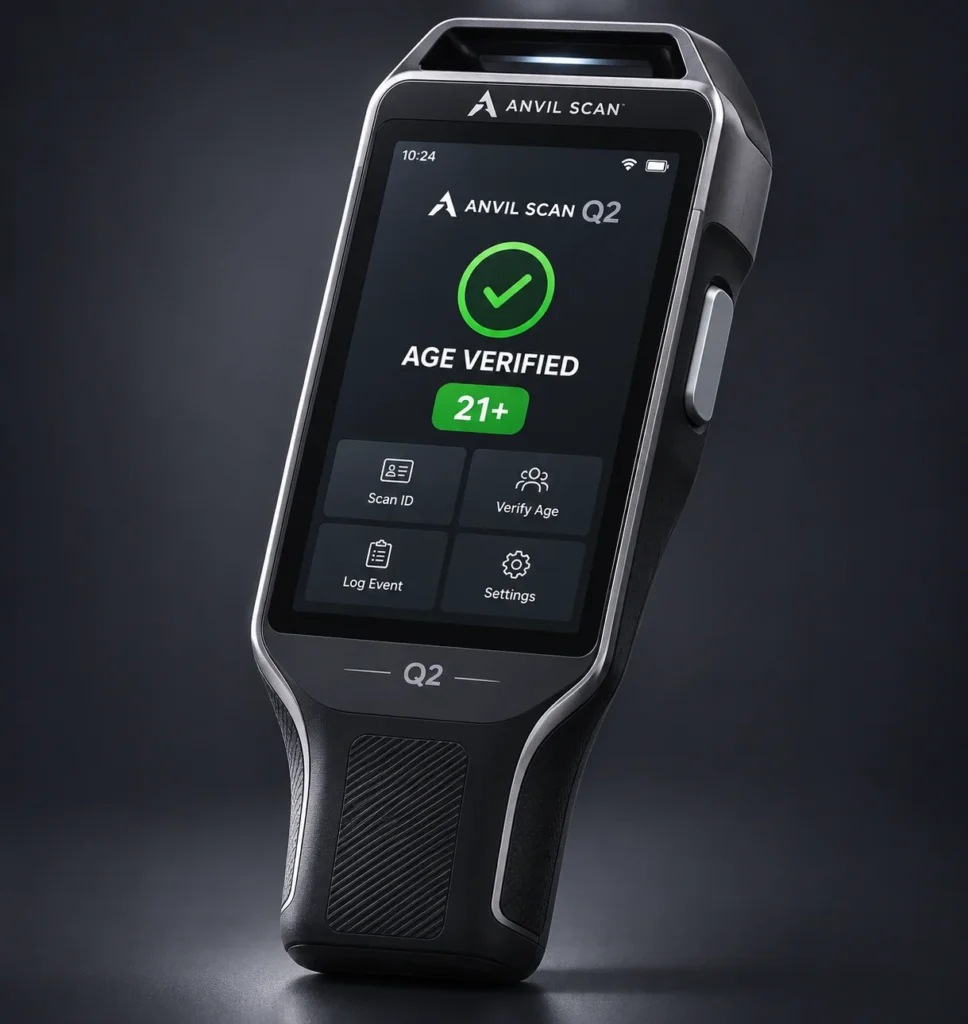
Passport scanning features
MRZ reading
First, read the machine-readable zone on passports from around the world.
Check-digit validation
Also, spot data errors and some tampering using the built-in check digits.
Age and expiry
In addition, see the guest’s age and whether the passport is still valid.
Face matching
Moreover, compare the guest with the passport photo for a second opinion.
Automatic data capture
Furthermore, fill forms with passport details without typing.
One workflow
Finally, scan passports, licenses and ID cards in the same app.
The payoff
What passport scanning gives you
First, you can welcome international guests with confidence. Consequently, staff no longer need to know every country’s design.
Second, checks are faster and more accurate. Since the data comes straight from the passport, there is no guesswork.
Third, you stay consistent. Indeed, passports go through the same check as local IDs. To learn how the data is decoded, see ID parsing.
Who uses it
Passport scanning for venues, hotels and age-restricted businesses
Related
Explore the rest of the Anvil Scan platform
FAQ
Passport scanning questions, answered
What is passport scanning?
Passport scanning reads the machine-readable zone on a passport’s photo page. Then it decodes the holder’s details and checks them automatically.
What is the MRZ on a passport?
The MRZ is the machine-readable zone, the two lines of text at the bottom of the photo page. It follows an international standard, so it is read the same way for every country.
Can passport scanning check age?
Yes. Anvil Scan reads the date of birth and shows whether the guest meets your age rule.
Can it detect a fake passport?
Check digits help catch data errors and some tampering. In addition, face matching helps spot a borrowed passport. Still, staff should inspect any passport that looks wrong.
Is passport data stored?
You choose what to keep and for how long. Rules on collecting and storing ID data vary by state and country. So, set Anvil Scan’s privacy controls to match your local rules. This is general information, not legal advice.
Get started
Check passports as easily as licenses
See how Anvil Scan’s passport scanning helps your team welcome international guests.